
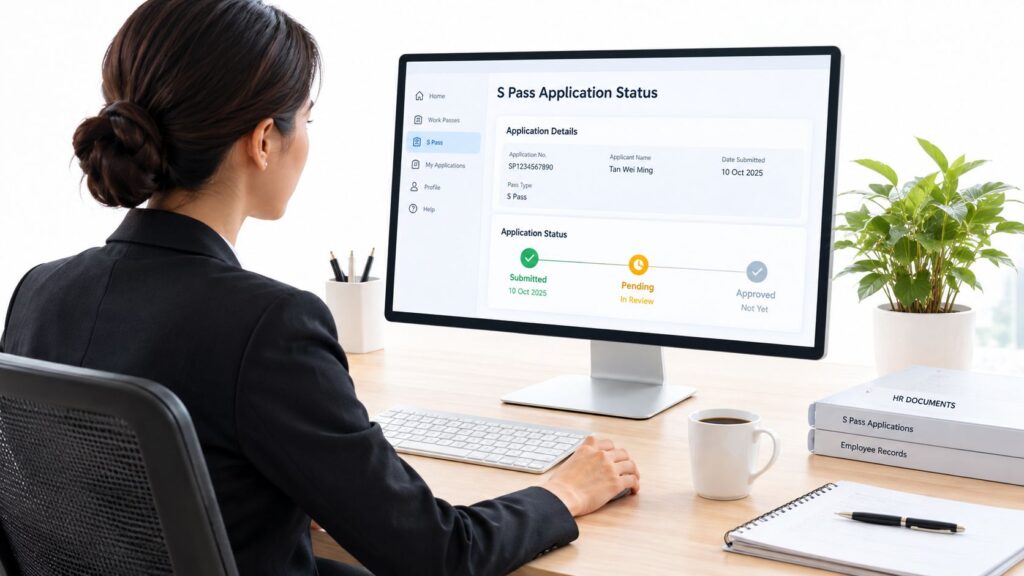
The first time an employer checks an S Pass application status, it usually happens because someone wants an answer now. A recruiter asks if the pass is done, the candidate starts chasing updates, and the hiring manager wants a start date. That is the wrong place to improvise. The status screen only makes sense if the employer already knows whether the file was prepared properly, whether quota was available, and whether the submission is still inside the normal MOM processing window.
For Singapore employers, S Pass application status is not a single screen to refresh. It is an employer-side workflow that starts before submission, moves through MOM’s online enquiry tools, and ends either in issuance or a structured appeal. If the employer treats it that way, the next move becomes obvious instead of stressful.
The Moment an Employer First Checks the Status
The first serious check usually happens after the file has already gone in and nobody wants to be the one making a guess. An HR lead opens MOM’s enquiry page, the hiring manager hovers over the inbox, and the candidate is still asking whether approval is near. At that point, the only sensible question is not “Is it approved yet?”, but “What stage is this file in?”
A good employer already knows the submission was made by the employer or authorised agent, not by the candidate alone. That matters because the employer is the one who has to respond if MOM asks for more information, and the employer is the one who should own the timeline from the start. The status check is not a casual follow-up. It is the control point that tells the employer whether the file is still moving, waiting on action, or ready for the next step.
Practical rule: if the application was not prepared cleanly, the status page will not rescue it.
Three milestones to keep in mind
The employer should think in milestones, not in emotions. First comes the pre-submission control, where eligibility and documents are checked. Then comes the submission and monitoring stage, where the file sits with MOM. Finally, there is post-decision action, which is either issuance or appeal.
That framing keeps the team from checking the same screen repeatedly without purpose. A file that is still within the processing window is not the same as a file that is stuck. A file that has been rejected is not the same as a file that needs another day.
For employers who want the broader work-pass process mapped properly, the related Employment Pass application process guidance from PathSource Consulting is a useful place to anchor the wider hiring workflow.
Pre-Submission Controls That Decide the Status
The earliest status outcome is decided long before anyone opens the enquiry page. MOM expects the employer or authorised employment agent to obtain the candidate’s written consent, complete the candidate’s form, verify passport validity, confirm the employer’s CPF account and available quota, update turnover information for the preceding three years, upload supporting documents, and pay the application fee. Miss one of those control points, and the eventual status is much more likely to turn into a problem than a formality.
The Self-Assessment Tool is the real gatekeeper. MOM says that if it indicates the candidate is ineligible, the application should not be submitted because it will be rejected. That is not a soft warning. It is the clearest sign that the employer should stop and fix the file before wasting time on a predictable rejection.
What to lock down before submission
- Written consent and candidate form: the employer should get the candidate’s consent and complete the form properly, because incomplete employer-side preparation creates avoidable delays later.
- Passport validity: MOM says the passport must generally be valid for at least seven months, and the pass duration can be limited to one month before passport expiry. That can shorten the useful life of the pass more than many employers expect.
- Quota and CPF account: the employer should confirm that the CPF account is in order and that quota is available before filing.
- Turnover records: the company’s turnover information for the preceding three years should be updated before the application goes out.
- Self-Assessment Tool: if the tool says the candidate is not eligible, the file should not be pushed through.
The important point is simple. A clean submission gives the employer a status worth monitoring. A sloppy submission gives the employer a status that only confirms the mistake.
How to Use the Work-Pass Enquiry Service
MOM’s non-login enquiry service is the fastest way to check an S Pass application status without waiting for someone to send a screenshot. Employers can use MOM’s official Check Work Pass and Application Status service by entering the candidate’s date of birth together with the FIN or passport number, and the service shows work-pass applications made within the preceding six months. MOM also confirms that employers can use the service to check either the application status or the validity of an existing work pass.
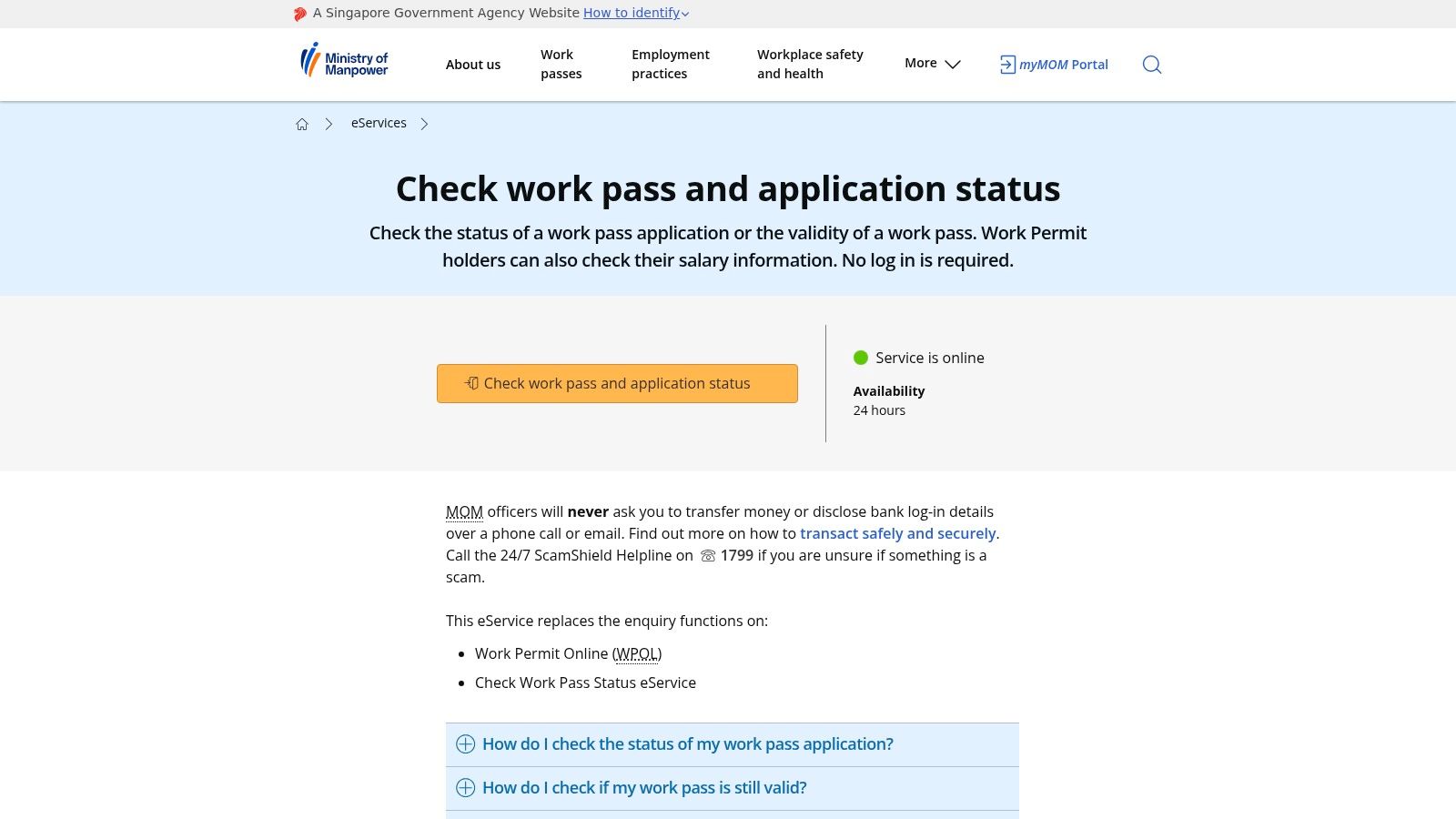
A strong reading habit matters more than a frantic one. If the screen shows that the file exists, the employer knows the submission reached MOM. If it shows a later-stage outcome, the employer can move straight to issuance or appeal rather than waiting for another email to explain the obvious. If it still looks inactive, the employer should check whether the file is still within the normal processing period or whether MOM has already asked for more information.
Common S Pass application outcomes and what employers should do
These are common application outcomes employers may encounter during the S Pass process. They should be read as practical workflow categories, not assumed to be the exact labels shown in every MOM status view.
| Outcome | What It Usually Means | Employer Action |
|---|---|---|
| Submitted | The application has been lodged and is in the system | Wait for the processing window to run, keep the inbox monitored |
| Pending | MOM is still reviewing the file or may need more information | Check email, prepare documents, escalate missing items immediately |
| Approved | The application has been accepted | Move to the issuance step and confirm next administrative actions |
| In-Principle Approved | The pass has been cleared in principle, subject to the remaining formalities | Proceed with the required follow-up to finalise the pass |
| Rejected | MOM has not accepted the application | Review the rejection advisory and decide whether an appeal is viable |
A status screen does not replace judgement. It just tells the employer which of the three lanes the file is in, waiting, cleared, or refused.
Reading a Pending Status and the Ten Business-Day Window
A pending status often irritates teams because it feels vague. It usually means the file is still under review and may need extra documents or clarifications. MOM states that online applications are processed or updated within 10 business days, and employers can check the status after that period through the work-pass eService. That timeframe is useful, but it is not a guarantee that a decision will land on day ten.
The mistake many employers make is assuming that “pending” after the window automatically means rejection. It doesn’t. MOM also notes that the timeline can be exceeded when further information is required, and those requests are typically sent by email to the employer or authorised employment agent. If the inbox is not monitored properly, the file can sit longer than it should.
A pending application may still be under review or may require additional information. Employers or authorised agents should check email and the application record for any MOM requests.
What the employer should watch during the pending period
- Inbox discipline: check for MOM requests quickly, because missing an email can stretch the process unnecessarily.
- Document readiness: keep supporting documents ready in case MOM asks for clarifications or verification.
- Agent follow-up: if an authorised employment agent is handling the file, the employer should make sure that the agent is acting on requests without delay.
- Calendar control: note the 10 business-day mark so the team knows when a delay deserves attention rather than patience.
The right response to pending is not panic. It is disciplined monitoring. If MOM needs more information, the employer should answer cleanly and promptly. If MOM does not need more information, the status will usually move on its own once the review is done.
When the Status Comes Back Rejected
A rejection advisory is not the place for guesswork. The employer or submitting authorised third party, not the candidate, must review the rejection advisory in EP eService, correct the stated deficiencies, and file an appeal within three months of rejection. Miss that deadline, and the employer has to start over with a new application.
The rejection reason usually gives the employer a real diagnostic. MOM specifically points to issues such as inconsistencies between declared qualifications and verification evidence, unmet job-advertising requirements, and unresolved IRAS tax matters. Those are not cosmetic errors. They are the sort of defects that have to be fixed before an appeal has any real chance.
MOM says 85% of S Pass appeals are processed within six weeks. That is materially slower than the standard initial processing window, so employers should treat an appeal as a second, slower decision rather than a quick correction.
A clean rejection workflow
- Read the advisory properly. The employer should identify the exact deficiency instead of guessing at the reason.
- Fix the evidence. If qualifications, advertising, or tax matters were the issue, the file should be corrected before anything else.
- Appeal on time. The appeal has to be lodged within the three-month window.
- Keep the hiring plan realistic. The business should not promise a start date that depends on a rushed second pass.
Rejection is usually where founders lose time by trying the same submission twice. That is the wrong move. Correct the file, file the appeal properly, and assume the second review will still take time.
Why a Status Can Stall and What to Check First
A stalled status is often blamed on the candidate because that is the easiest story to tell. More often, the problem sits with the employer’s own inputs. If quota is wrong, salaries are misdeclared, or turnover data is stale, the application can sit still or come back rejected even when the candidate is otherwise workable.
The quota check is especially important because it is based on the average number of local employees over the preceding three months. MOM’s current sector caps are 10% of total workforce for services and 15% for construction, manufacturing, marine shipyard and process sectors. If the available quota is not there, the file may not clear even when the salary and role look acceptable on paper.
Salary also needs to be checked against the current rule set before submission. For sectors other than financial services, MOM’s minimum qualifying fixed monthly salary is S$3,300, rising progressively with age from 23 to S$4,800 for candidates aged 45 and above. For financial-services roles, the current range is S$3,800 to S$5,650. MOM separately identifies higher thresholds for new applications from 1 January 2027 and renewals of passes expiring from 1 January 2028, so employers should not treat those future figures as current rules.
If the salary file and quota file do not line up, the status will usually expose it sooner or later. That is why the employer should diagnose the submission before chasing the screen.
For employer-side salary benchmarking and related planning, the Singapore S Pass salary guidance from PathSource Consulting is a practical companion to the status process.
A Practical Status Workflow You Can Stick to
Run the Self-Assessment Tool first, confirm quota against the last three months, and make the passport and document pack complete before submission. Then set a ten-business-day review point, monitor the work-pass enquiry service and the inbox, and pre-flag the appeal window in the calendar before the file is even lodged.
If the employer wants a partner to coordinate the application and follow-up work, PathSource Consulting supports employer-side work-pass applications and onboarding through its Employment Pass & HR Setup page.